Common Reasons for WhatsApp Message Template Rejection and How to Avoid Them
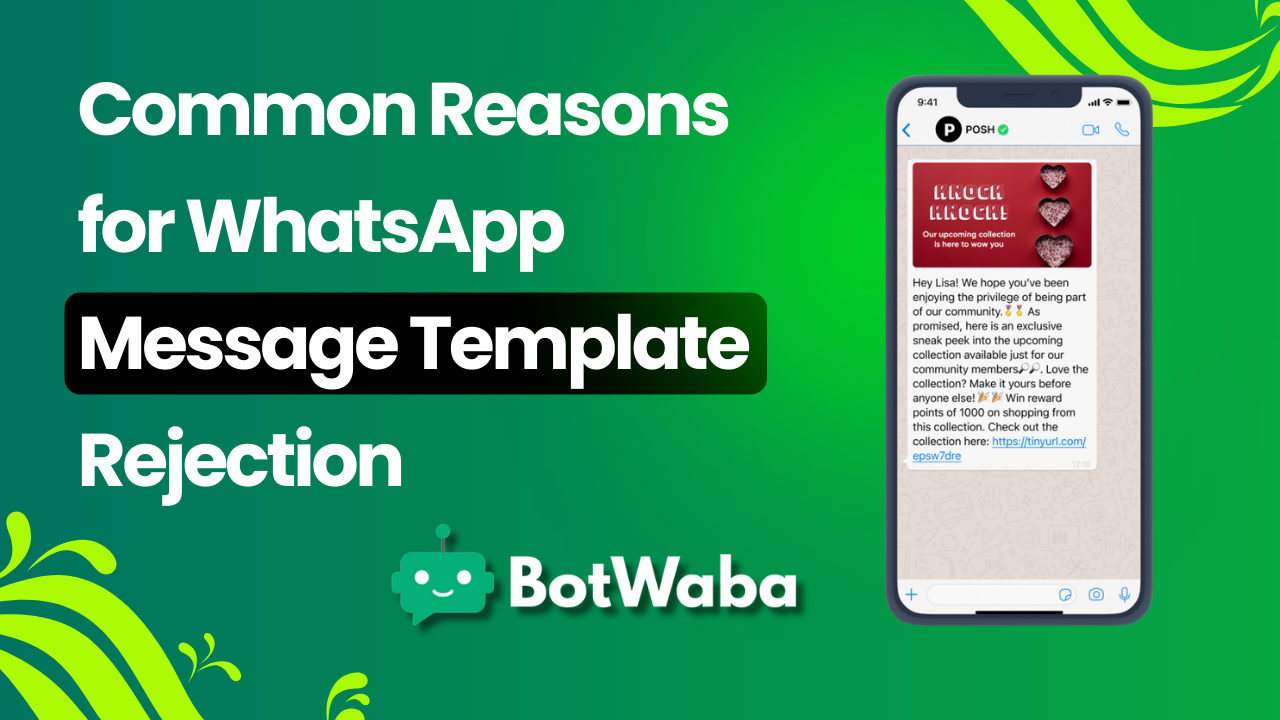
WhatsApp Business API is a powerful tool for businesses to engage with customers efficiently. However, getting message templates approved can be challenging. If your templates are frequently rejected, it's essential to understand the common reasons for rejection and how to fix them. In this guide, we’ll cover the most frequent issues and best practices to ensure your WhatsApp message templates get approved successfully.
1. Violating WhatsApp’s Messaging Policies
WhatsApp has strict policies to maintain the quality of business communication. Templates that contain promotional, misleading, or spammy content are often rejected.
How to Avoid It:
- Ensure messages are non-promotional. WhatsApp allows transactional, alert, and customer support messages.
- Avoid clickbait or misleading language.
- Follow WhatsApp’s Business and Commerce policies.
2. Using Invalid or Incorrect Formatting
WhatsApp has specific formatting rules, and failing to follow them can lead to template rejection.
How to Avoid It:
- Use correct placeholders, such as {{1}}, for dynamic content.
- Avoid excessive capitalization, emojis, or special characters.
- Test your template structure before submission.
3. Lack of Clear Context in Messages
Templates that are vague or unclear can confuse users, leading to rejection.
How to Avoid It:
- Provide a clear and concise message that makes sense to the recipient.
- Add variables logically and ensure they are easy to understand.
- Example of a good template: Hello {{1}}, your appointment is confirmed for {{2}} at {{3}}.
4. Using Promotional Content
WhatsApp does not allow outright promotional content in message templates.
How to Avoid It:
- Do not include offers, discounts, or sales language like “Buy now” or “Limited-time offer.”
- Stick to transactional or service-related messages.
5. Grammar or Spelling Errors
Poorly written messages with typos or grammatical mistakes often get rejected.
How to Avoid It:
- Proofread before submission.
- Use proper sentence structure and punctuation.
6. Template Name Issues
Template names should be clear and relevant to the content.
How to Avoid It:
- Use descriptive names like order_confirmation instead of template1.
- Avoid spaces and special characters in the template name.
7. Incomplete or Improper Sample Messages
Providing a proper sample message is crucial for approval.
How to Avoid It:
- Fill in placeholders with realistic values.
- Ensure the sample message follows WhatsApp’s guidelines.
8. Sending Unverified Message Categories
WhatsApp categorizes messages under Marketing, Utility, and Authentication. Submitting a template under the wrong category may lead to rejection.
How to Avoid It:
- Choose the correct category based on your message intent.
- Avoid mislabeling promotional messages as transactional.
9. Using Shortened Links or Unverified URLs
Templates containing shortened URLs (bit.ly, tinyurl) often get flagged.
How to Avoid It:
- Use full, reputable domain links instead of shortened ones.
- Ensure links lead to trusted websites.
10. Excessive Use of Dynamic Placeholders
Overloading a message with placeholders can make it unclear.
How to Avoid It:
- Use placeholders only when necessary.
- Ensure the message remains readable even with variables.
Conclusion
Getting WhatsApp message templates approved requires following best practices and adhering to WhatsApp's guidelines. By ensuring clarity, avoiding promotional content, and using proper formatting, businesses using BotWaba can improve their approval rate and streamline their WhatsApp marketing campaigns.
Why Choose BotWaba for WhatsApp Business API?
BotWaba provides a seamless WhatsApp marketing platform, ensuring compliance with WhatsApp’s policies while offering powerful automation and messaging features. Sign up today at BotWaba.com and streamline your WhatsApp business communication!